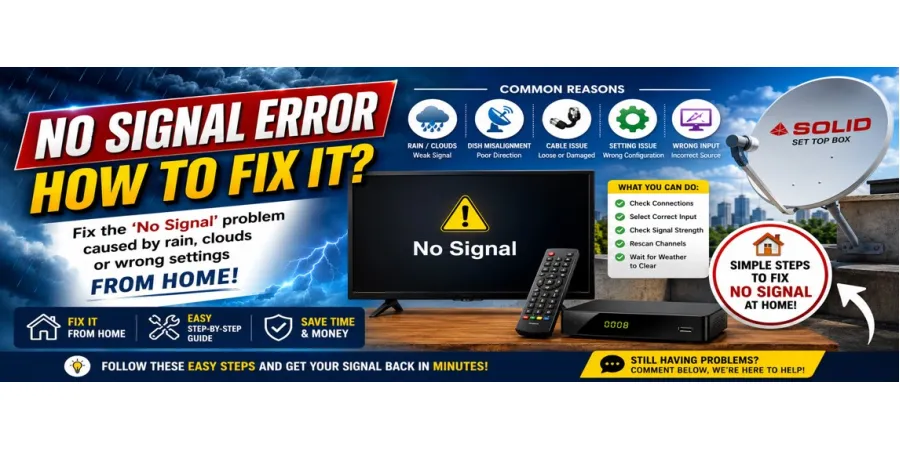
How to Fix “No Signal” Error on [Brand] Satellite Receivers
A “No Signal” message is one of the most common satellite receiver errors, and in most cases it’s not a hardware failure — it’s a setup, weather, or connection issue you can fix yourself in a few minutes. Here’s a step-by-step troubleshooting guide that applies to most brands (Azamerica, Tocomsat, Elsys, Vivensis, and others), since the underlying causes are largely the same across manufacturers.
1. Check the Weather First
Heavy rain, snow, or thick cloud cover can disrupt satellite signal temporarily — this is normal and not a fault with your receiver. If the sky is clear and you’re still getting no signal, move to the next steps.
2. Verify All Cable Connections
Loose or corroded coaxial cable connections are the single most common cause of signal loss.
- Check the connection at both the LNB (the arm on your dish) and the receiver’s input port.
- Look for bent pins, rust, or a cable that’s come loose from vibration or weather exposure.
- If you have a spare coaxial cable, swap it in to rule out a damaged cable.
3. Check the Dish Alignment
Even a small shift in dish position — caused by wind, an accidental bump, or ground settling — can knock you off signal.
- Use your receiver’s built-in signal strength meter (usually found in the settings or installation menu) while an assistant slowly adjusts the dish.
- Look for the peak signal strength and quality percentage, then lock the dish in place at that point.
4. Confirm the LNB Is Functioning
The LNB converts the satellite signal for your receiver, and it can fail over time, especially with sun/rain exposure.
- If the signal meter shows 0% even with a properly aligned dish, the LNB may need replacing.
- LNBs are inexpensive and simple to swap — just be sure you get the correct type (Ku-band vs C-band) for your setup.
5. Re-scan for Channels
Sometimes the issue isn’t the physical setup — it’s outdated channel/transponder data.
- Go to your receiver’s menu and run a full channel re-scan.
- If your receiver supports firmware updates, check whether a recent update changed transponder frequencies and update accordingly.
6. Check for Firmware Issues
An outdated or corrupted firmware version can sometimes cause signal detection problems.
- Check the manufacturer’s official site or a trusted update forum for the latest firmware for your exact model.
- Back up your settings if possible before updating, and follow the manufacturer’s update instructions carefully — an interrupted update can cause bigger problems than the one you started with.
7. Rule Out Receiver Hardware Failure
If you’ve checked cables, alignment, the LNB, and firmware and you’re still getting no signal:
- Try the receiver on a different TV/output to rule out a display issue mimicking a signal issue.
- If possible, test a different receiver on the same dish setup — if that receiver gets a signal, the problem is isolated to your original unit.
When to Call a Professional
If you’ve worked through all of the above and still have no signal, the issue may be a misaligned satellite (not just dish position, but the wrong satellite entirely), a damaged dish, or a receiver that needs professional repair or replacement.
Want me to adapt this for one specific brand (e.g., Azamerica’s exact menu names and update process), or keep it general like this?
